
When you’re a parent, a little extra peace of mind goes a long way. A baby monitor can be a wonderful tool, offering a way to keep an ear and sometimes an eye on your little one when you’re not right beside them. But with so many options out there, how do you choose the one that’s best for your family? Let’s explore what matters most.
Who a Baby Monitor Helps
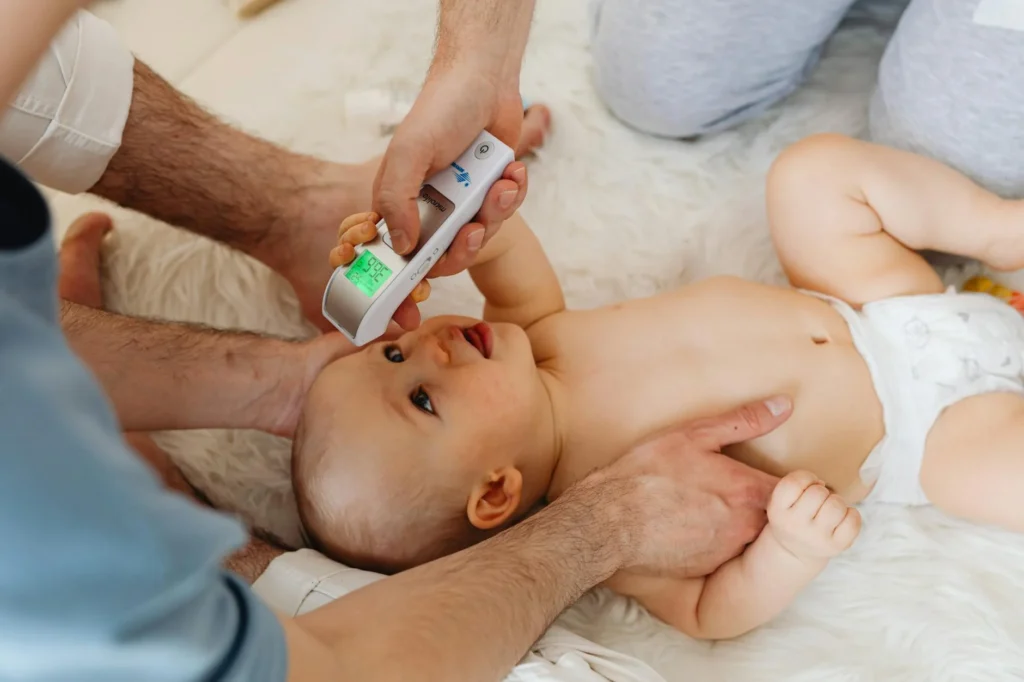
Baby monitors offer comfort and convenience for many different households. They’re especially helpful for parents who:
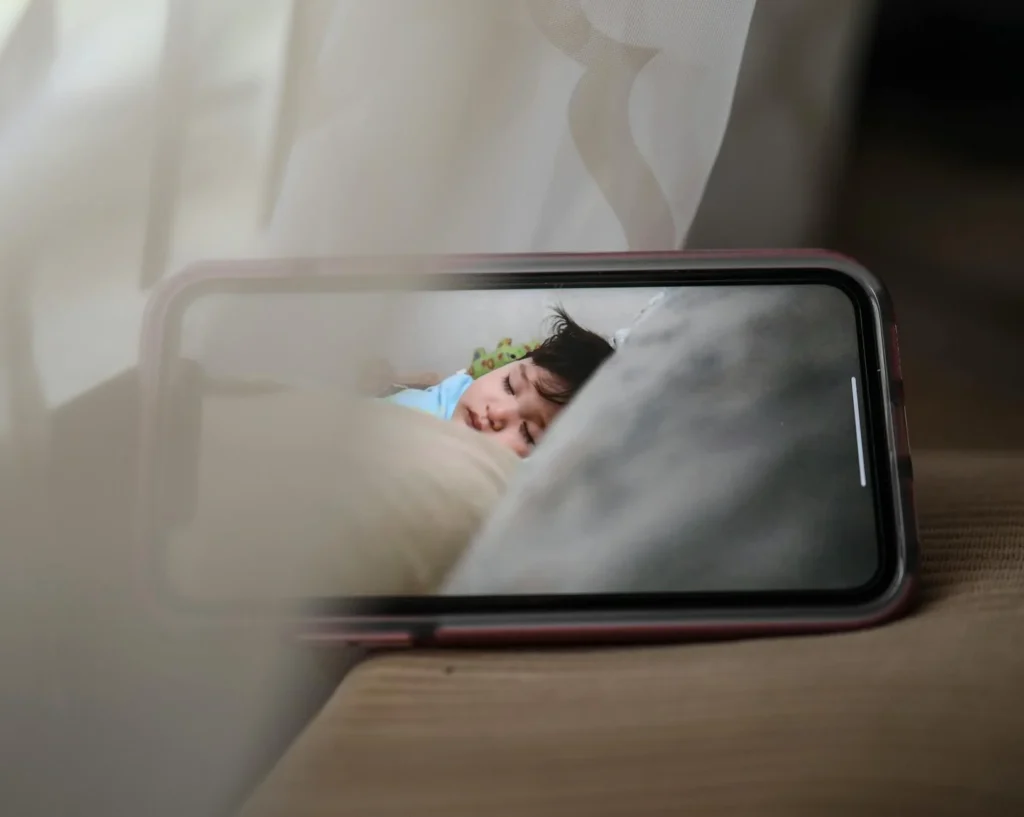
- Have a larger home where it’s tough to hear a baby’s cries from every room.
- Work from home and need to attend meetings while their baby naps nearby.
- Want to keep an eye on an older baby or toddler transitioning to their own room.
- Desire to monitor their baby’s sleep without constantly entering the nursery and potentially disturbing them.
- Simply want that added reassurance that their baby is safe and sound.
Key Selection Criteria
Choosing a baby monitor isn’t a one-size-fits-all decision. Consider these factors to narrow down your options:
Audio Only vs. Audio & Video
- Audio Only: These are the traditional monitors, perfect if you just need to hear your baby. They’re often more affordable and less complex.
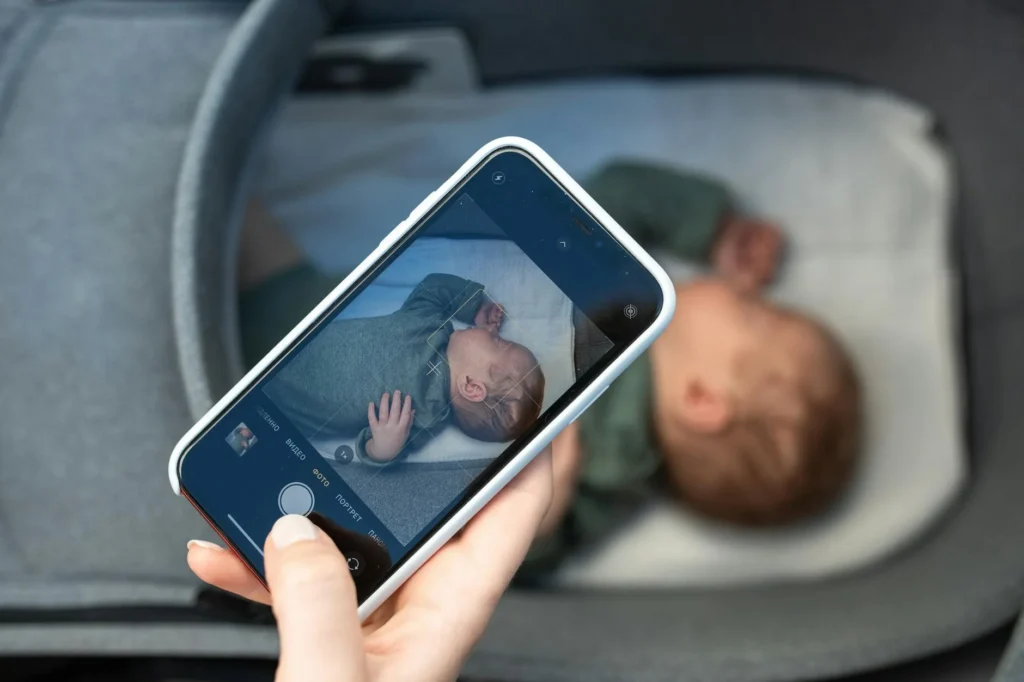
- Audio & Video: Offering a visual feed, these monitors let you see your baby. Many come with night vision, which is a game-changer for nighttime checks. Some parents love the visual reassurance, while others find an audio monitor sufficient.
Range and Connectivity
Think about the size of your home and property. How far do you need the signal to reach? Most monitors specify their range. For connectivity, you’ll generally find two types:
- FHSS/DECT (Digital Enhanced Cordless Telecommunications): These monitors create their own secure, closed system. They don’t rely on Wi-Fi and can be a good choice if you’re concerned about internet security or have unreliable Wi-Fi.
- Wi-Fi Monitors: These connect to your home Wi-Fi network and often allow you to view the feed on your smartphone or tablet from anywhere with an internet connection. They can offer more advanced features but require a secure Wi-Fi setup.
Essential and Handy Features
Modern monitors come with a host of features. Decide which ones matter most to you:
- Night Vision: Crucial for video monitors if you want to see your baby clearly in a dark room.
- Two-Way Talk: Allows you to speak to your baby through the monitor, which can be comforting for them (and you!).
- Temperature Sensor: Displays the nursery temperature on your parent unit or app. While this can be helpful for general awareness, it’s for informational purposes only and not a substitute for professional medical advice if you have concerns about your child’s health.
- Lullabies or White Noise: Some monitors can play soothing sounds directly from the camera unit.
- Sound/Motion Alerts: Notifies you if your baby cries or moves significantly.
- Battery Life: Important for the portable parent unit if you plan to carry it around the house.
- Remote Pan/Tilt/Zoom: For video monitors, this lets you adjust the camera view without physically entering the room.
Security and Privacy
This is paramount, especially for Wi-Fi enabled video monitors. Always choose monitors with strong encryption. When setting up a Wi-Fi monitor, ensure you use a strong, unique password for your home network and for the monitor’s app or account. Regularly update the monitor’s firmware if updates are available.
Safety Checklist
Once you have your monitor, safe placement is key:
- Cord Safety: Never place the camera unit or any cords within reach of your baby, either in the crib or play area. Cords pose a strangulation hazard. Secure them firmly to the wall and keep them at least three feet away from the crib.
- Secure Placement: Position the camera on a stable surface or mount it securely to the wall, ensuring it can’t fall into the crib.
- Out of Reach: As babies grow, they become more curious and mobile. Always ensure the monitor is placed where little hands can’t grab it.
- General Information Disclaimer: Information regarding temperature or other environmental factors provided by a monitor is for general awareness. It is not intended to provide medical advice or diagnose any condition. Always consult with a healthcare professional for any health concerns or questions about your child’s well-being.
Care & Cleaning
Keeping your baby monitor clean helps it last longer and function effectively:
- Wipe Down Regularly: Use a soft, dry, or slightly damp cloth (unplugged!) to wipe down the camera lens and unit, and the parent unit. Avoid harsh chemicals.
- Keep Vents Clear: Ensure any vents on the units are free from dust or obstructions to prevent overheating.
- Battery Care: If your parent unit uses rechargeable batteries, follow the manufacturer’s instructions for charging and maintenance to prolong their life.
Frequently Asked Questions
Do I really need a baby monitor?
Many parents find them incredibly helpful for peace of mind, especially with newborns or if their home layout makes it hard to hear their baby. However, some prefer to forgo one, depending on their living situation and preferences.
Are Wi-Fi baby monitors secure?
When chosen from reputable brands and set up correctly with strong passwords and network security, Wi-Fi monitors can be very secure. Always prioritize privacy settings and keep software updated.
How long do babies use monitors?
It varies greatly! Some families use them until their child is a toddler, while others continue into the preschool years, especially for video monitoring during naps or independent play. It’s truly a personal choice.
What about electromagnetic fields (EMFs) from monitors?
All electronic devices emit some level of EMFs. For baby monitors, the general advice is to place the camera unit a reasonable distance from your baby’s head, typically at least 3 feet, to minimize exposure, though current research generally indicates low-level EMFs from common monitors are not a significant concern.
Note: Totals vary by provider, region, and part quality.
Images sourced from Pexels.